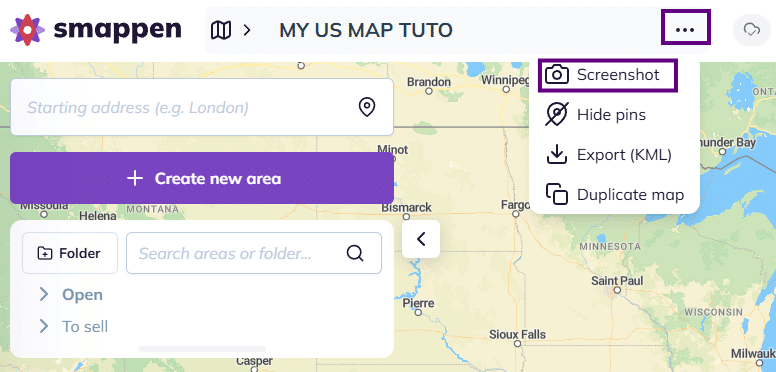
To save your map as a high-quality image, access the three dots next to the map title at the top of your screen, then select “Screenshot“:
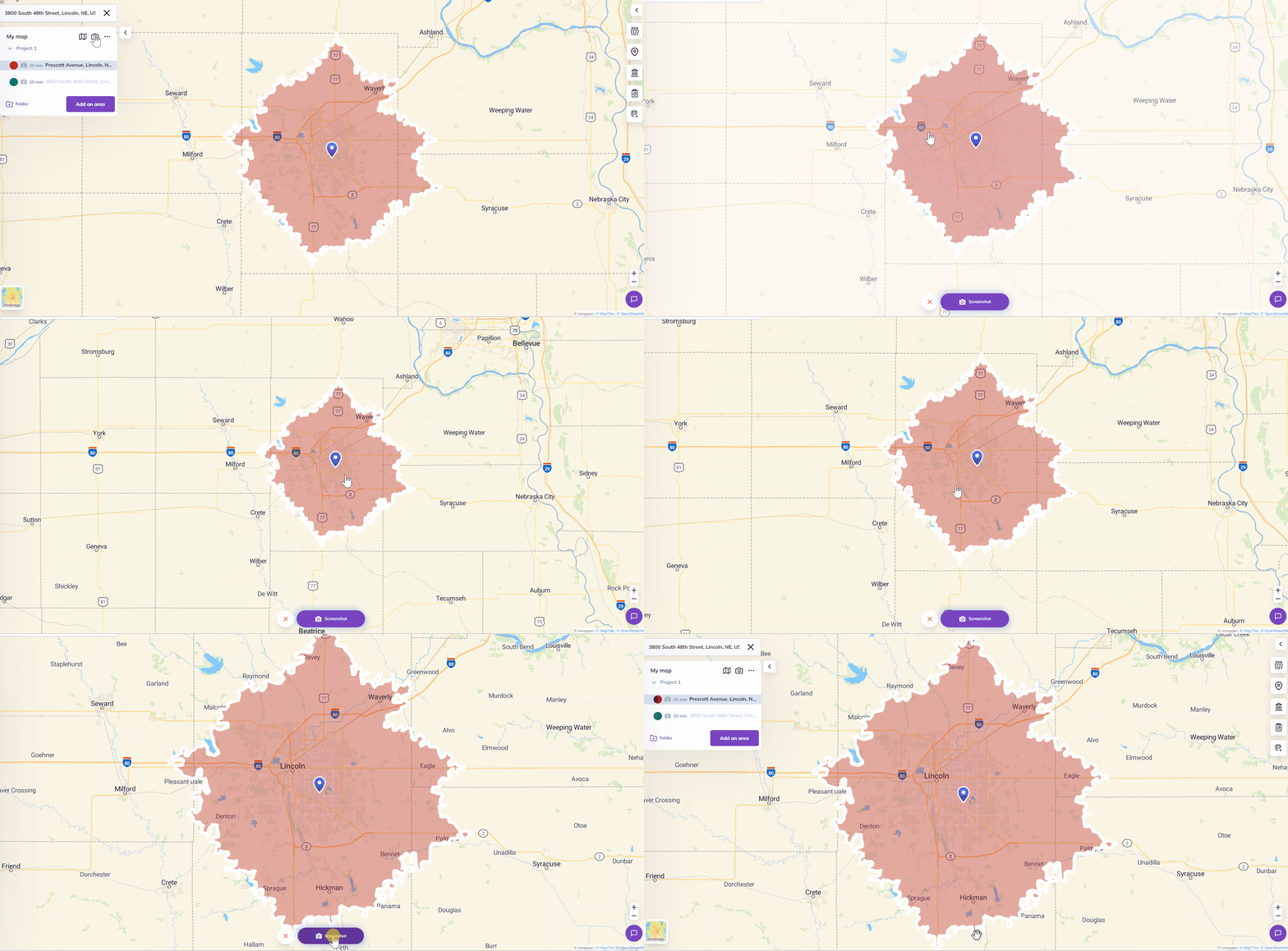
Once clicked, the interface windows will disappear, leaving only the map. Adjust your view by zooming in and out or moving the map until you find the perfect fit.
Tip 1 – to have the perfect frame : you can also reframe the entire window on your browser.
Tip 2 – for cropping a single area: before clicking on the screenshot icon, click on your area on the map or in the area-management panel. It will automatically adjust to the center of your screen.
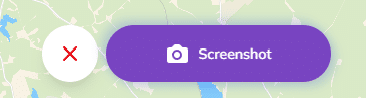
When you have found the right angle, click on the “Screenshot” button at the bottom of your screen.
The image will take a few seconds to process and download. Once ready, you can insert it into documents or print it directly!