

Feature available in: ESSENTIAL, PRO and ADVANCED PLANS
If you need to reuse the areas you’ve created in smappen in another software, or if you want to back them up to your hard drive, the “Export KML” function will allow you to do this easily.
With smappen, you can export your areas as KML files.
To do this, go to the area-management panel of the map, and click on the three dots icon to the right of one of the areas and choose the “Export (KML)” option:
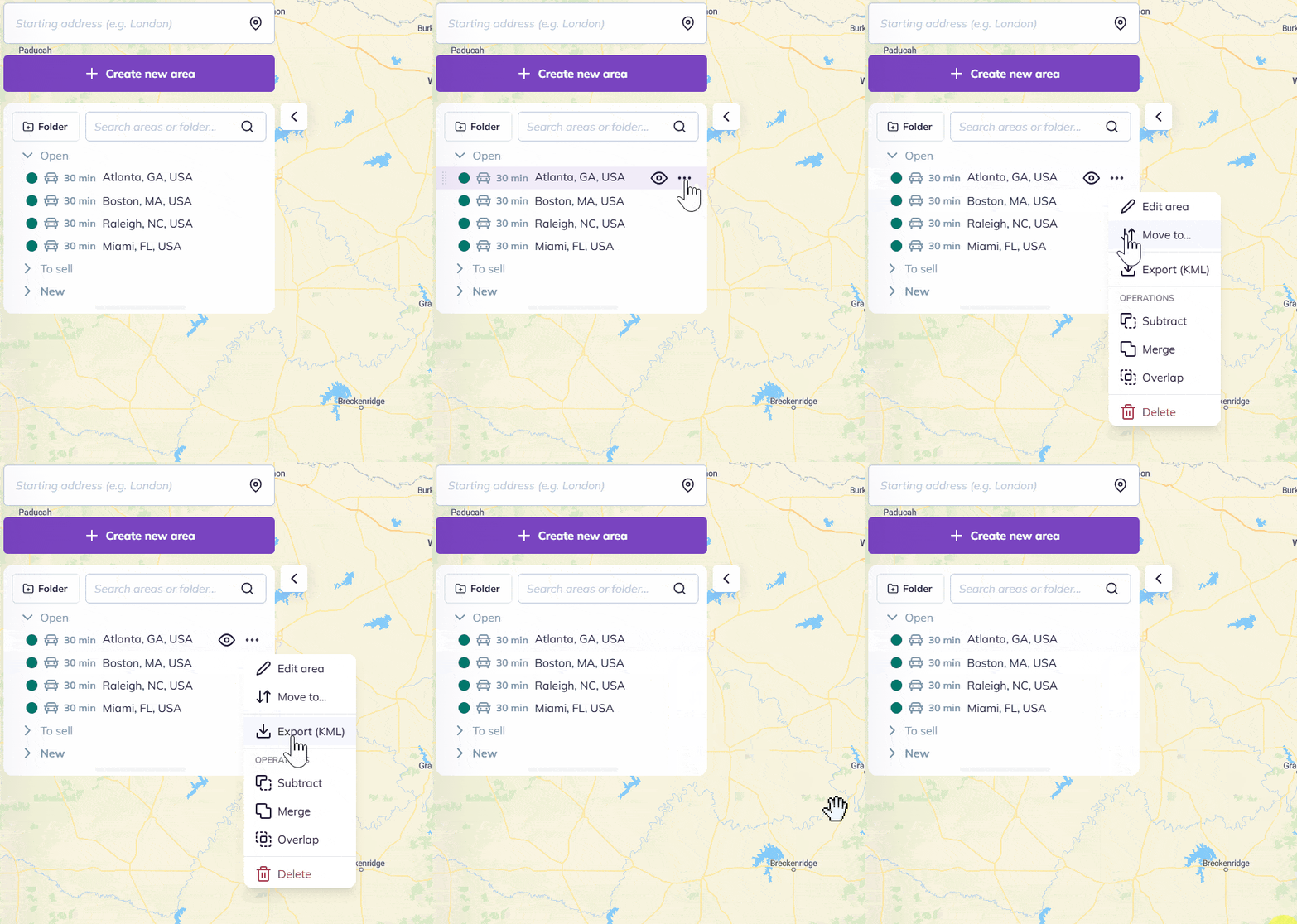
Your browser will then download the KML file to your computer’s hard drive.
To go further: