

To change an area’s color, go to the area-management panel on the left part of the screen :
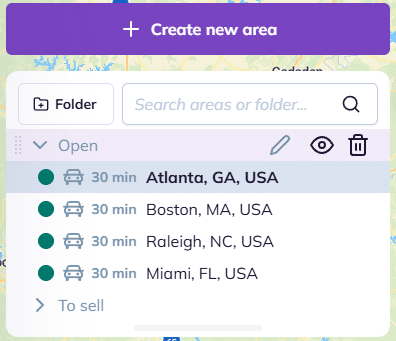
For each area, the colored block indicates its color.
To change an area’s color, click on the corresponding colored block:

To go further:
To change an area’s color, go to the area-management panel on the left part of the screen :
For each area, the colored block indicates its color.
To change an area’s color, click on the corresponding colored block:
To go further: