

To delete a map, access the map icon at the top of the screen:
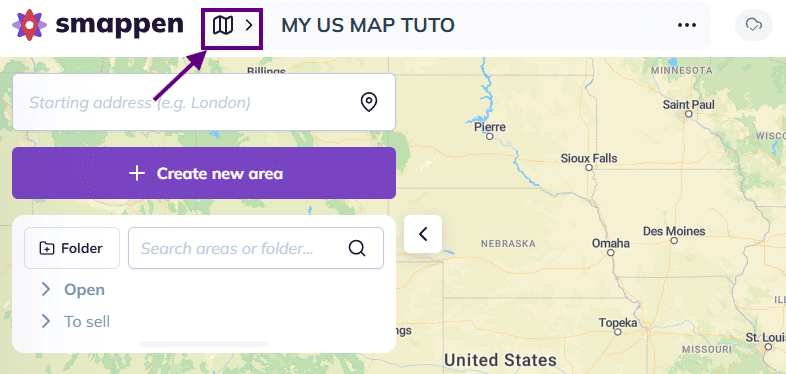
This will open the maps management panel.
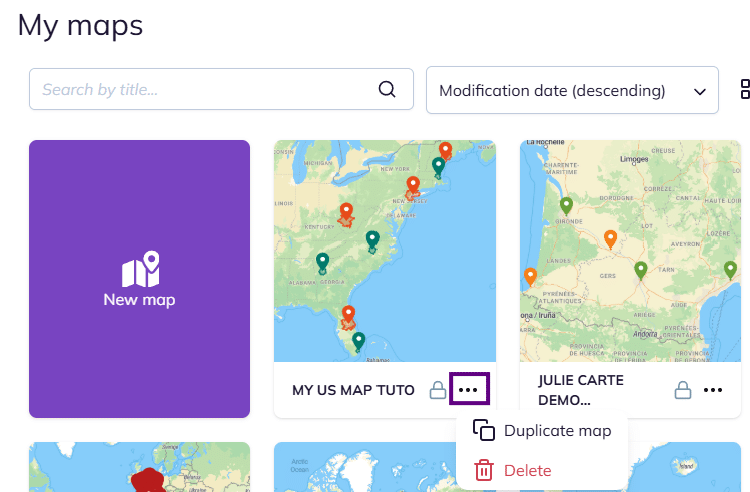
Then click the three dots located under the map you wish to delete and select “Delete“
Warning: This operation can’t be undone.
To go further:
To delete a map, access the map icon at the top of the screen:
This will open the maps management panel.
Then click the three dots located under the map you wish to delete and select “Delete“
Warning: This operation can’t be undone.
To go further: