
When exploring different territory scenarios or managing multiple networks and brands, it’s helpful to create separate maps. Smappen allows you to create and manage as many maps as you need.
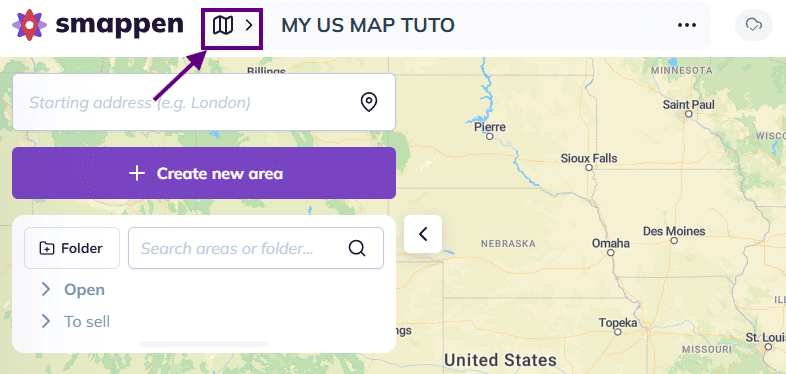
To create a new map, access the map icon at the top of the screen:
This will open the maps management panel:
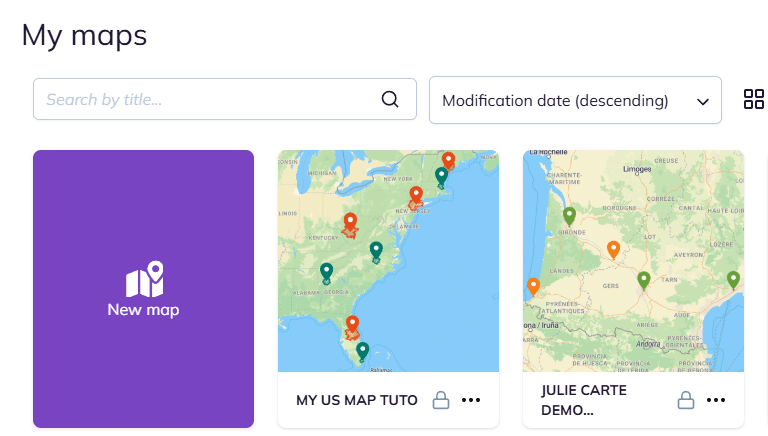
Then click on the “New map” button to create your map and jump straight to it.
To go further: