

Feature available in: PRO and ADVANCED PLANS
(US, UK, Canada, Australia, Spain, France and Belgium only)With Smappen, you can obtain information on your catchment areas’ population. This functionality can be very useful if you are using the platform for market research or to estimate the potential of a business.
If you want to analyze the demographic data for an area, follow this guide:
- Select the area to be analyzed by:
- Clicking the map
- Clicking on its name on the area-management panel
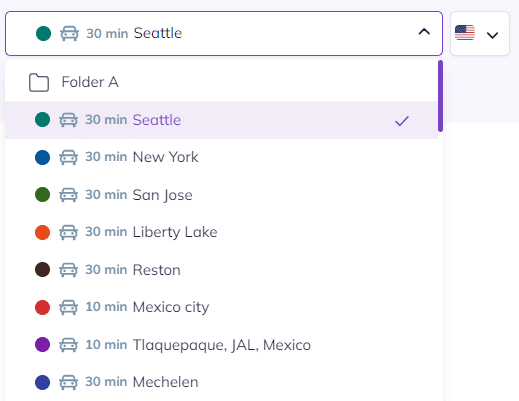
- Selecting it from the drop-down list on the analytics and data panel
To analyze demographic data for a folder or a map , select it from the drop-down list on the analytics and data panel:
2. Access the demographics pannel :
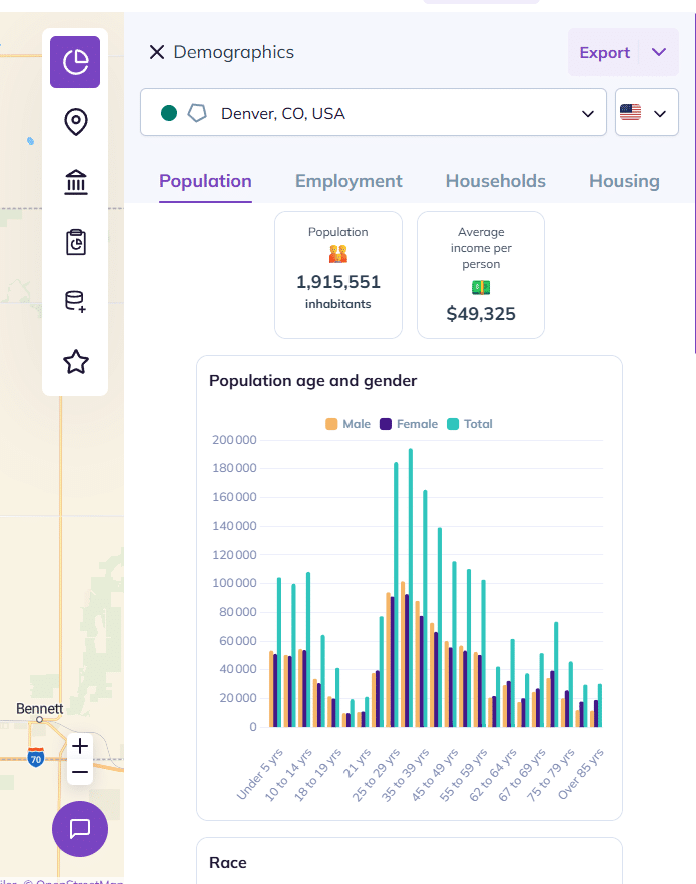
The available data varies from one country to another
HERE is the list of population data available in the different counties
To go further: