
Option 1 – Directly on the map
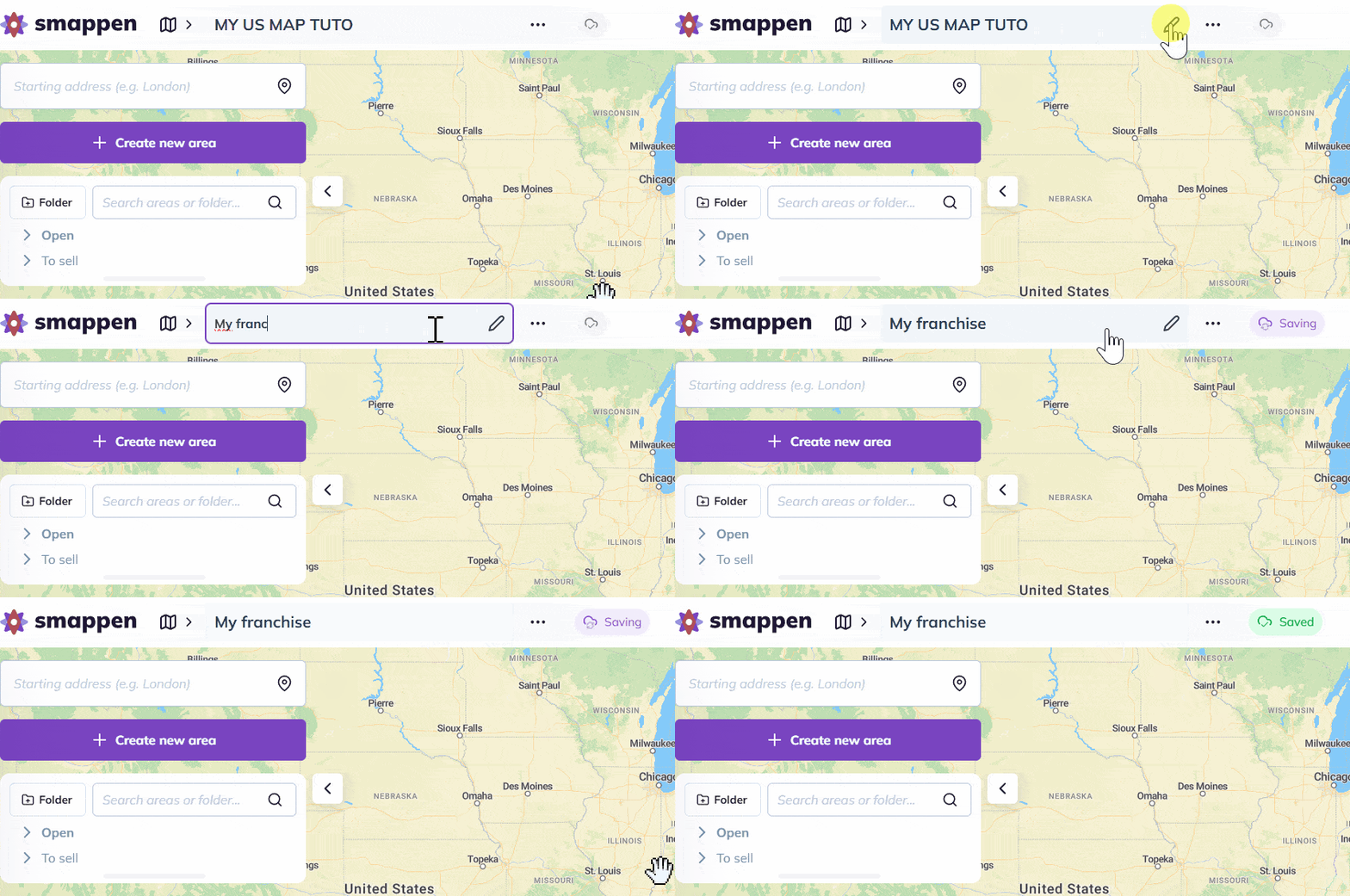
To rename a map, click on the map title at the top of the screen. Simply select the pen icon to edit the name:
Option 2 – From the maps management panel
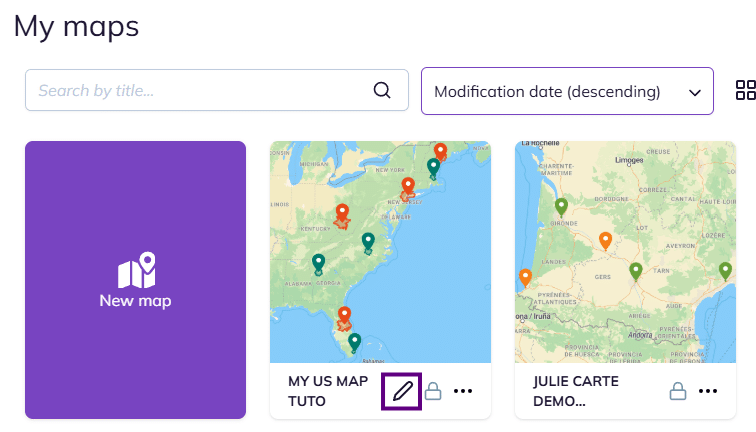
Click the map icon at the top of your screen. This will open the maps management panel.
Then, hover over the title of the map you wish to rename. A pencil icon will appear, simply click it to edit the title, press Enter, and you’re all set!
To go further: