
If you have created catchment areas using another software and you want to be able to retrieve them in smappen, the area-import function will enable you to do so without having to recreate them.
Smappen allows you to easily import areas in KML format.
To do this, go to the map, then select your KML file from your downloads, and drag and drop it directly onto the map:
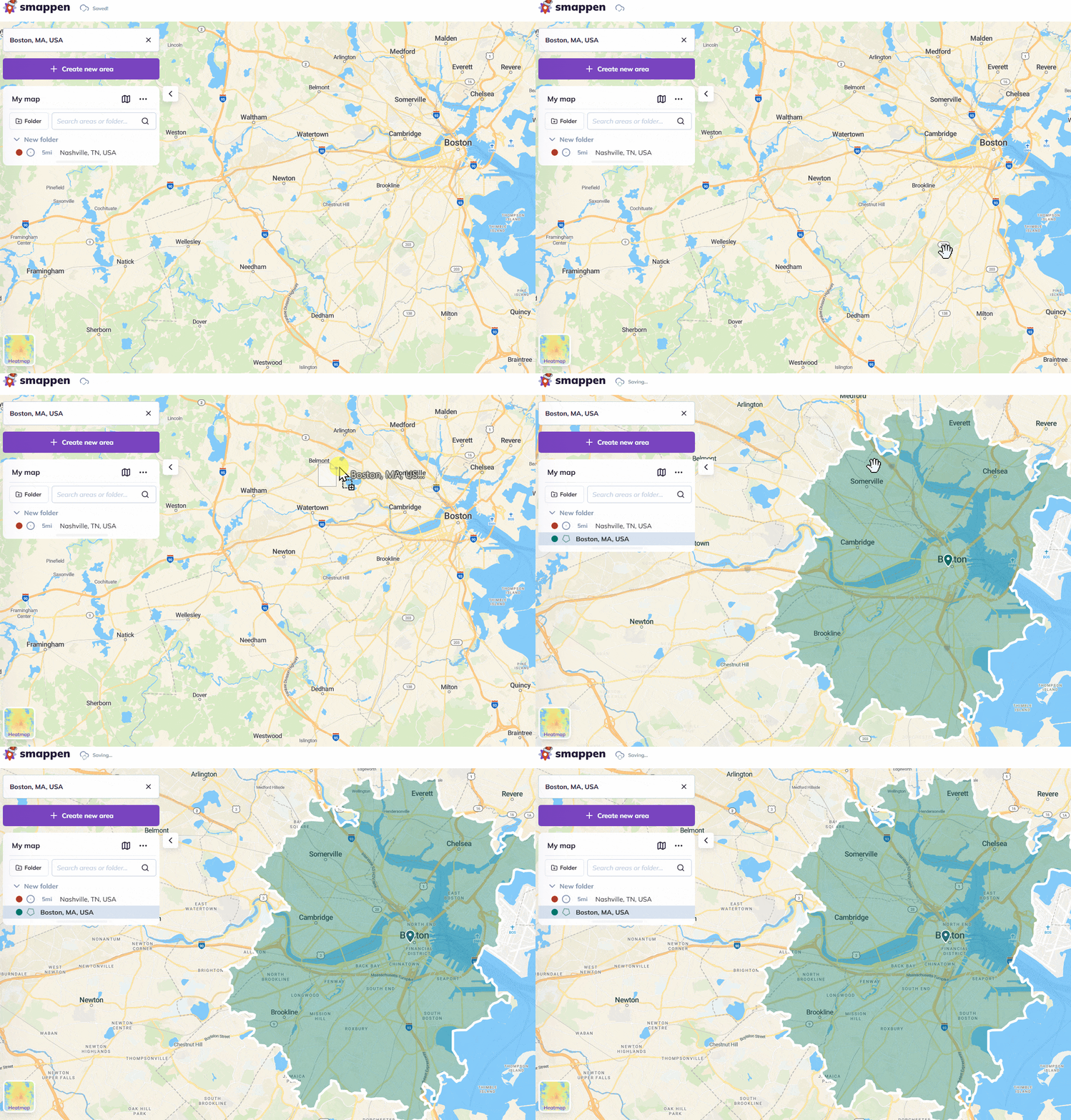
The area(s) from the KML file will appear on the map, and will be added to the active folder.
To go further: