
To hide or show a folder, go to the area-management panel:
It is the same process as hiding or showing an area.
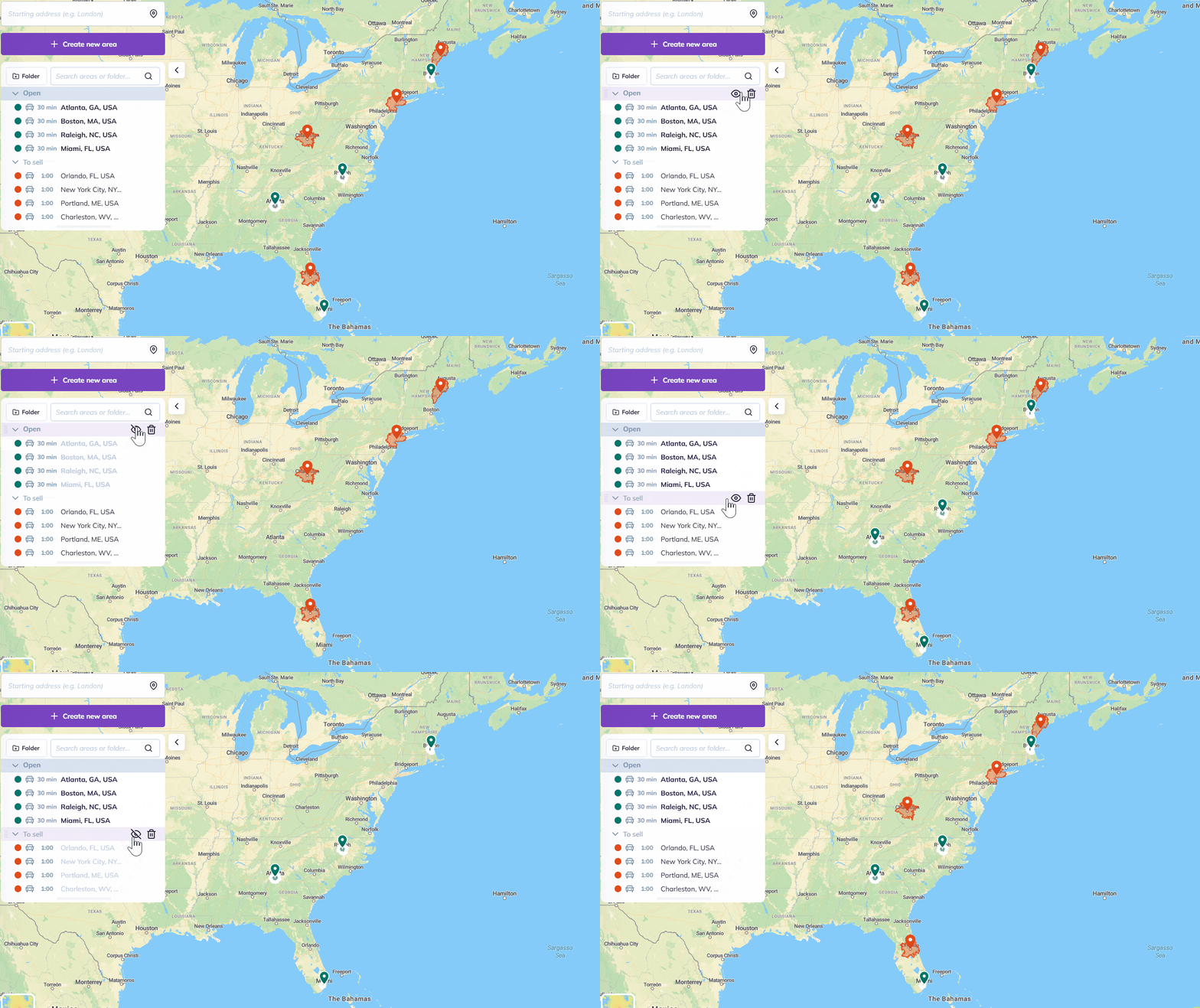
For each folder:
 This icon indicates that areas in the folder are displayed on the map.
 This icon indicates that areas in the folder aren’t displayed on the map.
To go further: